





Remote control for TCL TVs
 |
Latest Version | 9.4.27 |
 |
Update | Feb,19/2025 |
 |
Developer | osfunapps |
 |
OS | Android 5.1 or later |
 |
Category | Tools |
 |
Size | 26.70M |
| Tags: | Tools |
-
Latest Version
9.4.27
-
Update
Feb,19/2025
-
Developer
osfunapps
-
OS
Android 5.1 or later
-
Category
Tools
-
Size
26.70M


 Download(9.4.27)
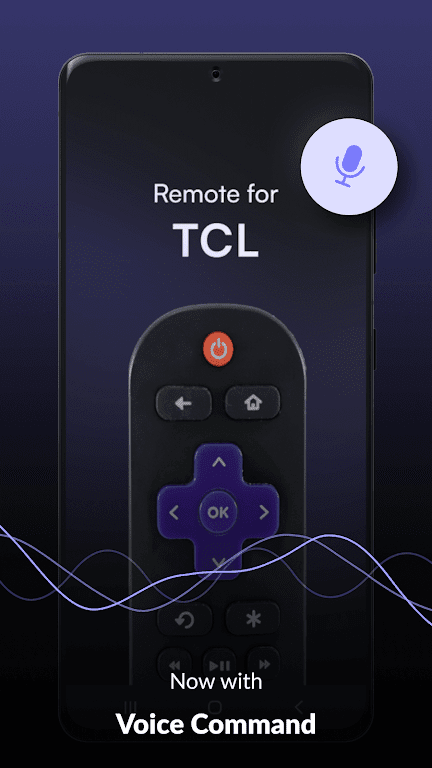
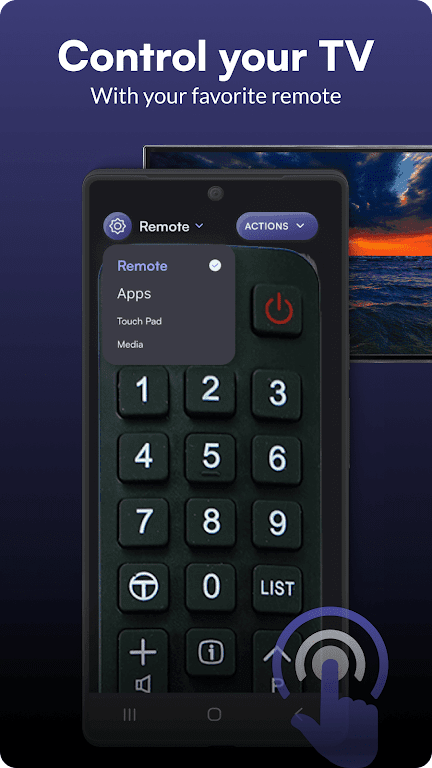
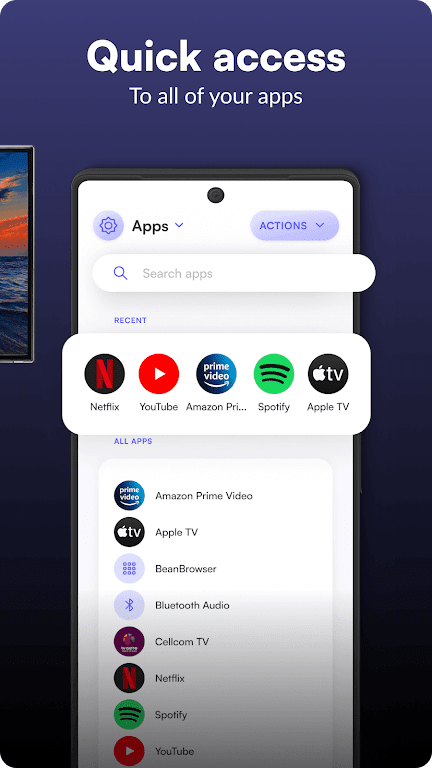
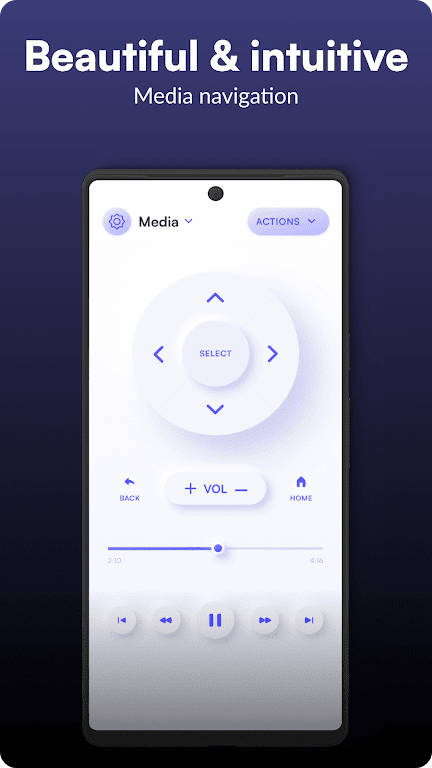
This app lets you control your TCL TV from anywhere, eliminating the need for physical proximity. The user-friendly interface and customizable features make managing your TV a breeze. Switch apps, adjust volume, and browse channels with ease – all from your smartphone or tablet.
Key Features of the TCL TV Remote Control App:
- Universal Remote Access: Control your TCL TV from anywhere within your home's Wi-Fi range.
- Personalized Interface: Customize the remote's layout to match your preferences.
- Effortless Setup: Connect to your TV quickly and easily, no technical expertise needed.
- Broad App Compatibility: Works seamlessly with popular streaming services like Netflix and YouTube.
Frequently Asked Questions:
- Is setup difficult? No, the app provides straightforward instructions for quick and easy setup.
- Compatibility with other smart devices? As long as the device is on the same network as your TV, the remote control functionality should work.
- Can I adjust TV settings? Yes, the app allows complete control over your TV's volume and other settings.
- What Wi-Fi connection strength is needed? A strong connection is recommended, especially for optimal streaming performance.
In Conclusion:
The TCL TV Remote Control app offers unparalleled convenience and control. Enjoy the freedom of remote access, a customizable interface, and seamless integration with your favorite apps. Upgrade your TV viewing experience today! Download the app and experience the future of TV control.
Post Comments
Your Comment(*)