






BlueStacks Guide: How to Play Draconia Saga on PC
Embark on an epic journey in Draconia Saga, a realm rich with mythical beasts, age-old legends, and grand adventures. Collect a diverse array of pets, each featuring unique skills and multiple evolution options. Set on the vast continent of Arcadia, this RPG invites you to explore sprawling landscapes. Soar through the skies on your dragon companion, encountering magical beings, solving intricate puzzles, and unraveling the continent's deepest mysteries. Join forces with fellow Dragon Hunters by forming guilds to conquer demanding quests together.
Installing Draconia Saga on PC
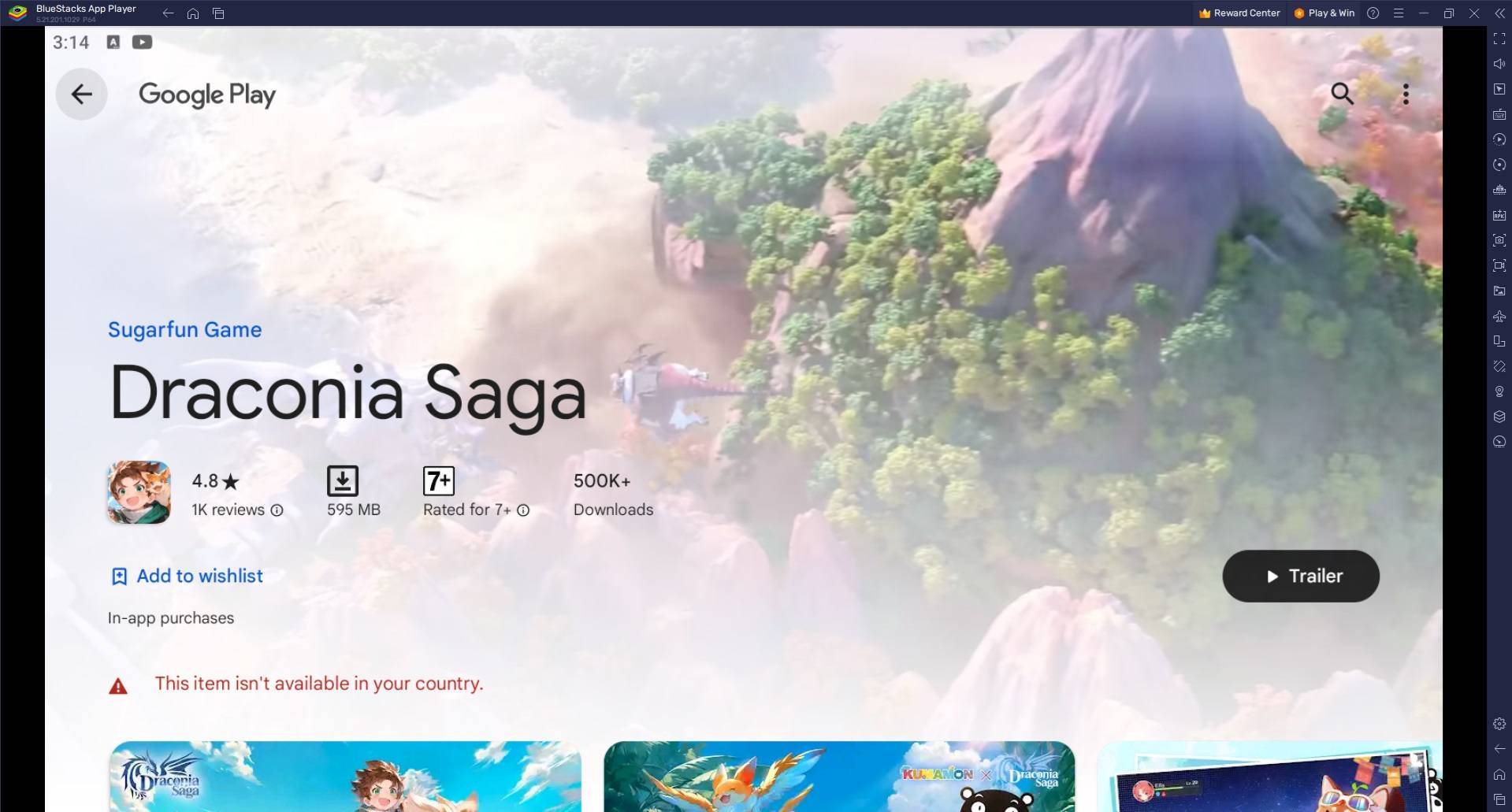
Visit the game's official page and select the "Play Draconia Saga on PC" option. Proceed to install and open BlueStacks. Log into your Google Play Store account to download and install the game. You're now ready to begin your adventure.
For Those Who Already Have BlueStacks Installed
Start BlueStacks on your computer. Use the search bar on the home screen to find Draconia Saga. Select the appropriate search result. Install the game and launch it to start playing.
Minimum System Requirements
BlueStacks is compatible with virtually all systems, requiring the following minimum specifications:
Operating System: Microsoft Windows 7 or newer Processor: Intel or AMD Processor Memory: Minimum 4GB RAM (Note: Available disk space cannot substitute for RAM requirements) Storage: 5GB available disk space Administrator privileges on your PC Latest graphics drivers from Microsoft or your chipset manufacturer
For additional details, visit the official Draconia Saga page on Google Play Store. Playing Draconia Saga on PC through BlueStacks significantly improves your gaming experience by offering greater immersion and operational efficiency. The performance benefits of PC gaming are substantial - BlueStacks utilizes your computer's hardware capabilities to provide smoother frame rates, quicker loading screens, and minimized latency compared to standard mobile devices.
-
 Dec 25,24Zenless Zone Zero 1.5 Update Preview Zenless Zone Zero Version 1.5 Update: Leaked Banner Characters Revealed New leaks for Zenless Zone Zero unveil the character lineup for the upcoming Version 1.5 update, including highly anticipated character reruns. This HoYoverse action RPG continues to expand its roster of powerful characters, fr
 -
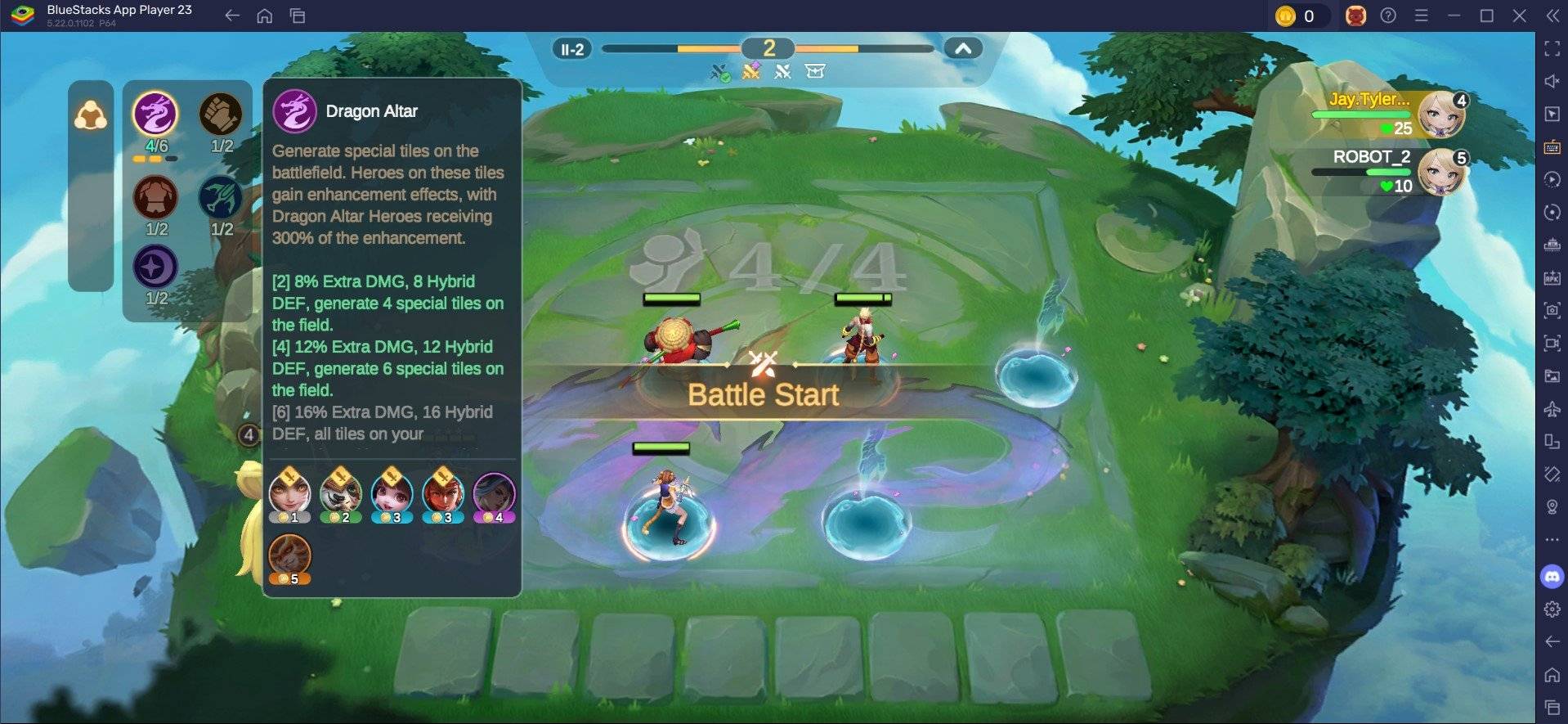 May 06,25Magic Chess: Beginner's Guide to Mastering Core Mechanics Magic Chess: Go Go, an exhilarating auto-battler strategy game crafted by Moonton, is deeply rooted in the vibrant universe of Mobile Legends. This game masterfully blends chess tactics with hero-based strategies, offering players the chance to craft formidable team line-ups featuring heroes from th
 -
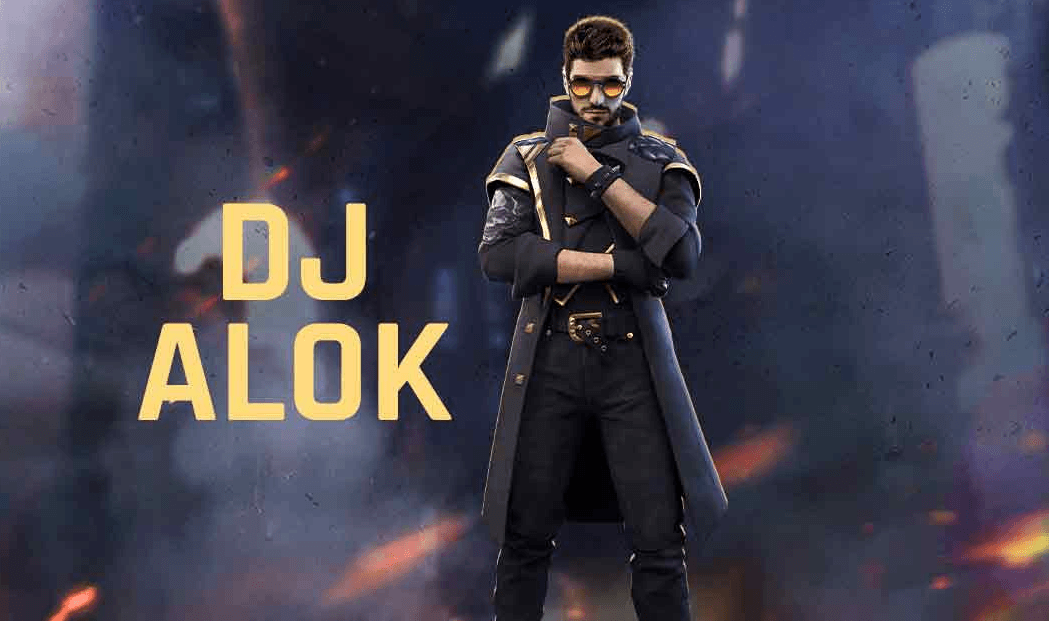 Apr 08,25Top Free Fire Characters 2025: Ultimate Guide Free Fire, crafted by Garena, has cemented its status as a top-tier battle royale game worldwide, amassing over 1 billion downloads on the Google Play Store and engaging millions of daily active players. Its appeal lies not only in its thrilling gameplay but also in its diverse array of characters,
 -
 Jan 18,25Roblox Grace: All Commands and How to Use Them Grace 游戏指令速查 所有 Grace 指令 如何使用 Grace 指令 Grace 是一款 Roblox 游戏,玩家需要在充满恐怖生物的各个关卡中生存。游戏极具挑战性,需要玩家快速反应并寻找对抗敌人的方法。幸运的是,开发人员添加了测试服务器功能,玩家可以使用聊天指令来简化游戏,召唤敌人,或进行游戏测试。以下列出了 Grace 游戏中的所有指令以及使用方法。 所有 Grace 指令 .revive:复活指令,用于在失败或卡住时重新进入游戏。 .panicspeed:修改计时器速度。 .dozer:召唤 Dozer 实体。 .main:进入主分支服务器。 .slugfish:召唤 S