






Lootfiend Idle Dungeons: Progression Guide & Tips
Lootfiend: Idle Dungeons is an idle RPG that merges dungeon crawling with dynamic action. A key feature is its equipment system, which allows your power to grow exponentially. While the core gameplay is easy to grasp, the intricacies of gearing can be deep. This guide provides all the essential knowledge to boost your Combat Power (CP). Let's get started!
What is Equipment in Lootfiend: Idle Dungeons?
Equipment encompasses all the gear your character wears in Lootfiend: Idle Dungeons. These items provide vital stats that directly increase your account's overall Combat Power (CP). Higher CP typically means greater attack, health, and defense, making optimized equipment crucial for long-term success. As a new player, consistently improving your gear is a primary focus. Before diving into the details, let's cover the basics. Your character can equip up to 13 different items, each assigned to a specific slot in your inventory, visible at the bottom of your screen.

These missions can be tied to your account level, skill progression, monsters defeated, and more. Upon completion, you can advance to the next blessing level after a research period. You can shorten these research timers using speed-up items earned from missions, quests, events, daily logins, and other sources. A higher blessing level improves your odds of obtaining rarer equipment, a benefit you can observe in real-time.
Equipment Stats and Sub-stats
Every equipment piece has a fixed main stat. Starting from the common rarity, gear can also possess sub-stats, with up to four possible. Epic rarity and above feature unique passive abilities that are active during battles. The right mix of main stats, sub-stats, and passives is fundamental to building a powerful account in Lootfiend: Idle Dungeons. Therefore, carefully consider which gear to upgrade and which to dismantle.
For an enhanced experience, you can play Lootfiend: Idle Dungeons on your PC or laptop using BlueStacks, enjoying the game on a larger screen with keyboard and mouse controls.
-
 Dec 25,24Zenless Zone Zero 1.5 Update Preview Zenless Zone Zero Version 1.5 Update: Leaked Banner Characters Revealed New leaks for Zenless Zone Zero unveil the character lineup for the upcoming Version 1.5 update, including highly anticipated character reruns. This HoYoverse action RPG continues to expand its roster of powerful characters, fr
 -
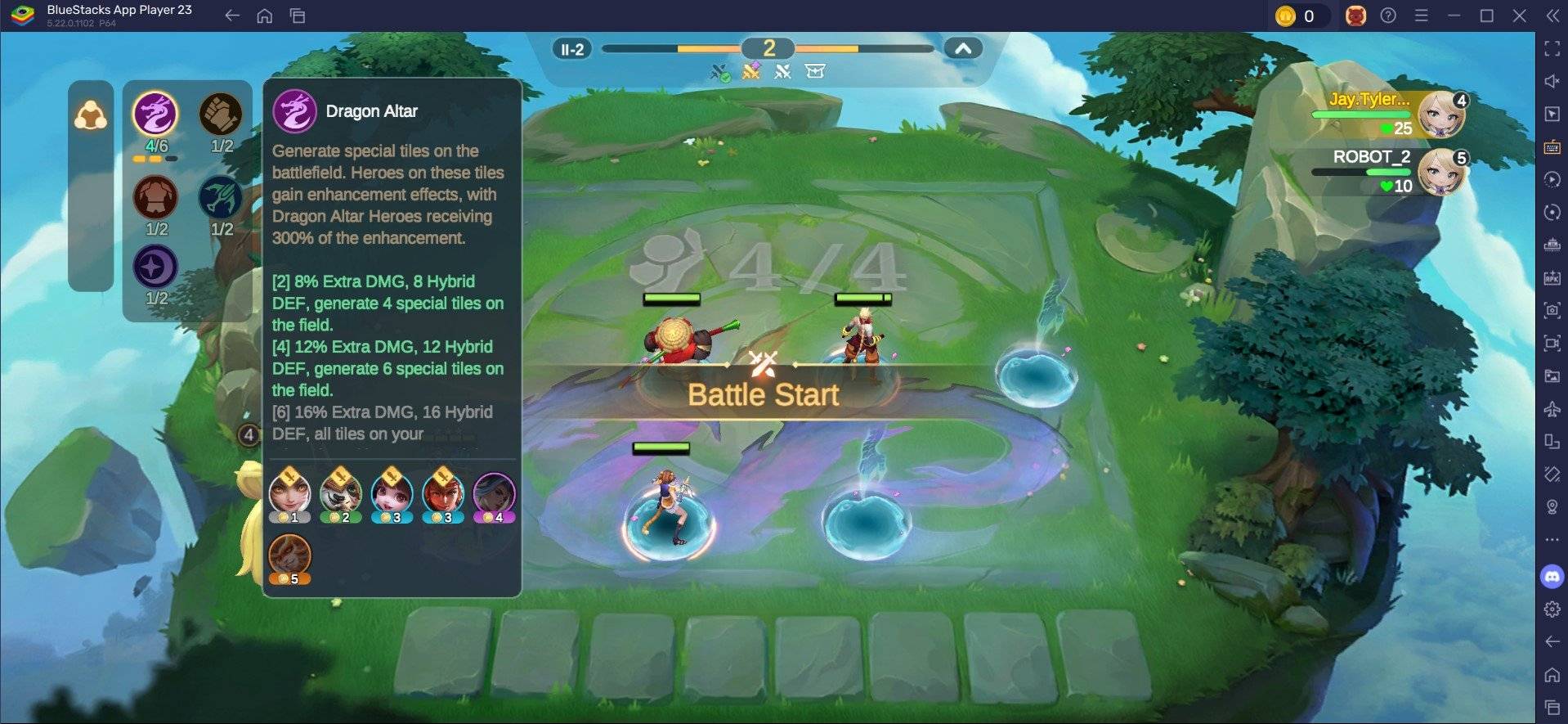 May 06,25Magic Chess: Beginner's Guide to Mastering Core Mechanics Magic Chess: Go Go, an exhilarating auto-battler strategy game crafted by Moonton, is deeply rooted in the vibrant universe of Mobile Legends. This game masterfully blends chess tactics with hero-based strategies, offering players the chance to craft formidable team line-ups featuring heroes from th
 -
 Apr 08,25Top Free Fire Characters 2025: Ultimate Guide Free Fire, crafted by Garena, has cemented its status as a top-tier battle royale game worldwide, amassing over 1 billion downloads on the Google Play Store and engaging millions of daily active players. Its appeal lies not only in its thrilling gameplay but also in its diverse array of characters,
 -
 Jan 18,25Roblox Grace: All Commands and How to Use Them Grace 游戏指令速查 所有 Grace 指令 如何使用 Grace 指令 Grace 是一款 Roblox 游戏,玩家需要在充满恐怖生物的各个关卡中生存。游戏极具挑战性,需要玩家快速反应并寻找对抗敌人的方法。幸运的是,开发人员添加了测试服务器功能,玩家可以使用聊天指令来简化游戏,召唤敌人,或进行游戏测试。以下列出了 Grace 游戏中的所有指令以及使用方法。 所有 Grace 指令 .revive:复活指令,用于在失败或卡住时重新进入游戏。 .panicspeed:修改计时器速度。 .dozer:召唤 Dozer 实体。 .main:进入主分支服务器。 .slugfish:召唤 S