






Disney Solitaire MAC Edition Guide
Experience the timeless appeal of solitaire with Disney's enchanting touch in Disney Solitaire. Featuring stunning visuals, soothing melodies, and beloved characters, this delightful card game offers casual entertainment at its finest. Playing Disney Solitaire on macOS unlocks superior gameplay with larger displays and enhanced controls. BlueStacks Air provides the easiest method – a lightweight Android emulator optimized for Mac computers. Our step-by-step guide will help you install Disney Solitaire seamlessly for premium gaming performance.
Classic Card Gameplay Meets Disney Magic
Playing Disney Solitaire on macOS brings distinct advantages, particularly when using keyboard and mouse controls. These peripherals deliver pinpoint accuracy while streamlining repetitive card movements. During our MacBook testing, we confirmed the game's accessibility – perfect for commuting, relaxing breaks, or any downtime. The game truly shines on Mac's brilliant Retina displays, where vibrant colors and crisp 4K resolution elevate every visual detail.
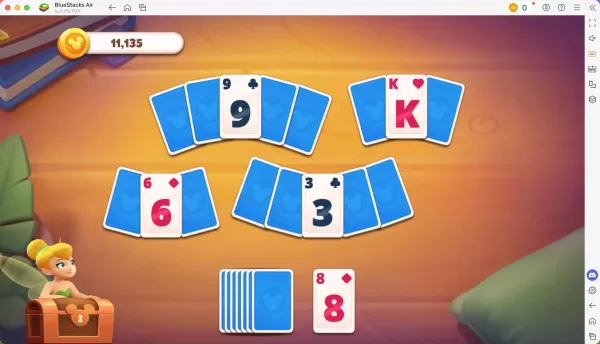
Master the Game with Customizable Controls
Every completed level earns you stars that unlock exciting story sequences and new Disney characters. BlueStacks Air enhances your Mac gameplay by allowing fully customizable control schemes. While preset configurations are available (accessible via SHIFT+TAB), players can personalize key bindings for optimal performance. Create your ideal control layout tailored to your playstyle for maximum efficiency.
Simple Installation Guide for Disney Solitaire on BlueStacks Air
Get started with Disney Solitaire on your Mac in just a few easy steps:
Download BlueStacks Air: Visit the game page and select "Play Disney Solitaire on Mac" to download.
Install BlueStacks Air: Double-click BlueStacksInstaller.pkg and follow the setup instructions.
Launch & Sign In: Open BlueStacks Air from Launchpad/Applications and log in with Google.
Install Disney Solitaire: Find the game in the Play Store and install.
Start Playing: Launch Disney Solitaire and immerse yourself in nostalgic Disney adventures!
-
 Dec 25,24Zenless Zone Zero 1.5 Update Preview Zenless Zone Zero Version 1.5 Update: Leaked Banner Characters Revealed New leaks for Zenless Zone Zero unveil the character lineup for the upcoming Version 1.5 update, including highly anticipated character reruns. This HoYoverse action RPG continues to expand its roster of powerful characters, fr
 -
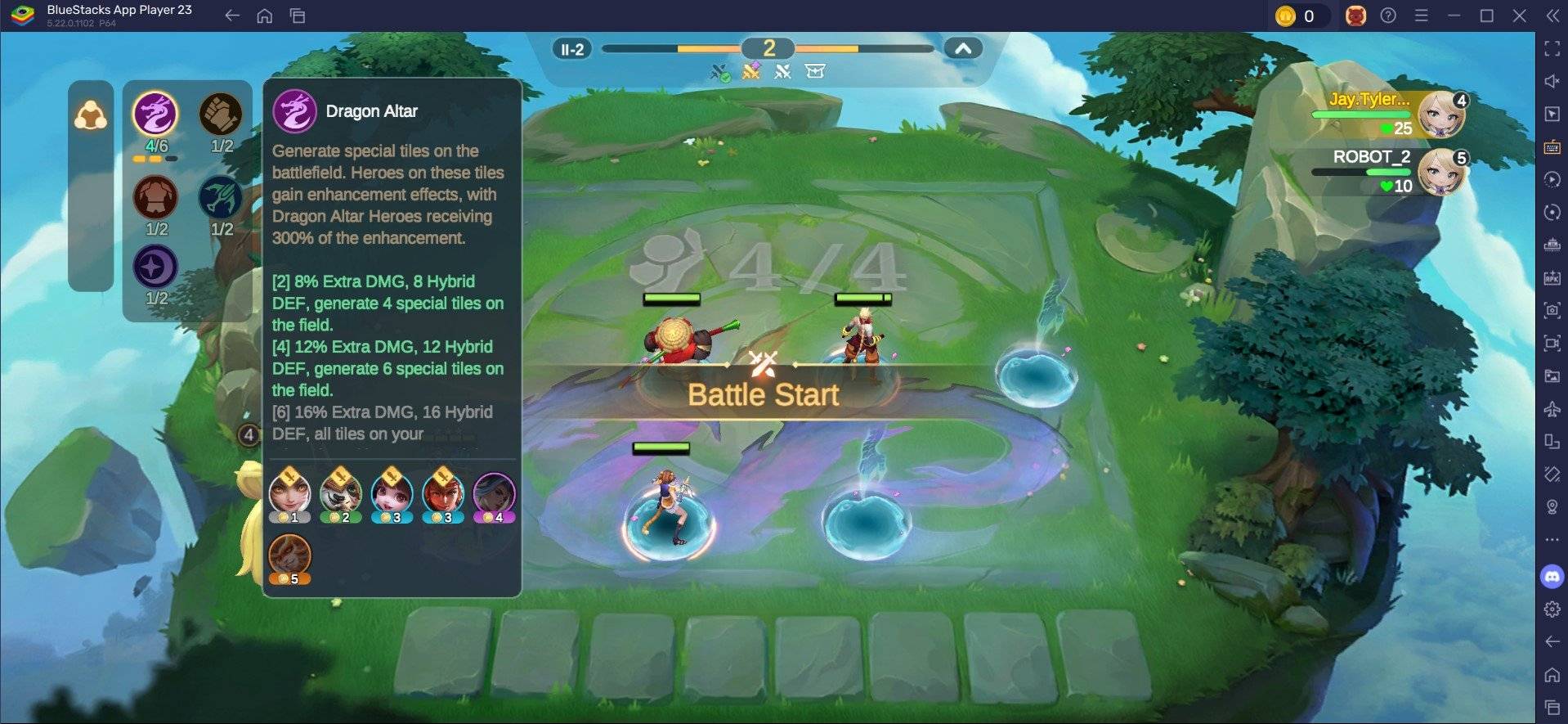 May 06,25Magic Chess: Beginner's Guide to Mastering Core Mechanics Magic Chess: Go Go, an exhilarating auto-battler strategy game crafted by Moonton, is deeply rooted in the vibrant universe of Mobile Legends. This game masterfully blends chess tactics with hero-based strategies, offering players the chance to craft formidable team line-ups featuring heroes from th
 -
 Apr 08,25Top Free Fire Characters 2025: Ultimate Guide Free Fire, crafted by Garena, has cemented its status as a top-tier battle royale game worldwide, amassing over 1 billion downloads on the Google Play Store and engaging millions of daily active players. Its appeal lies not only in its thrilling gameplay but also in its diverse array of characters,
 -
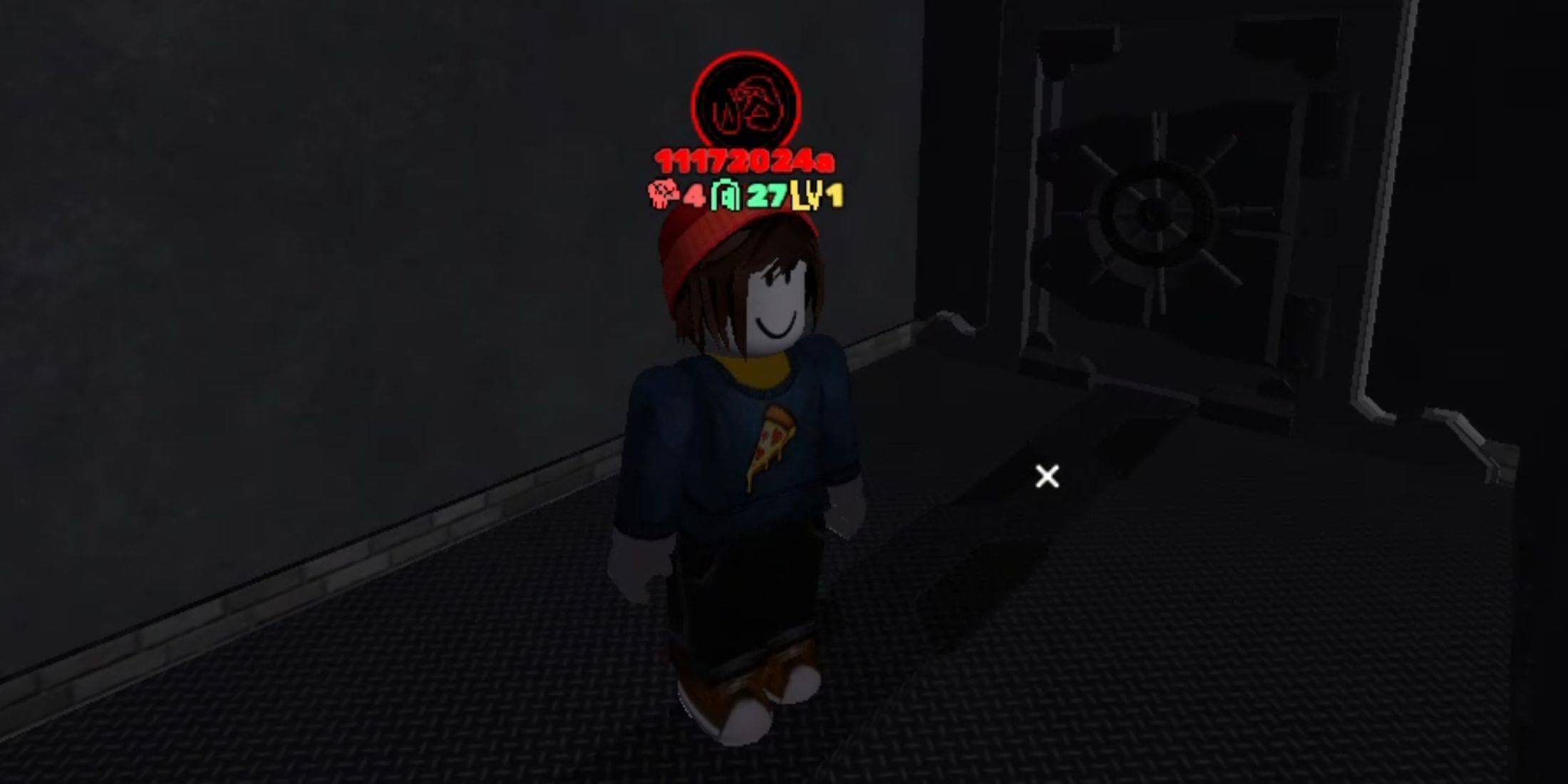 Jan 18,25Roblox Grace: All Commands and How to Use Them Grace 游戏指令速查 所有 Grace 指令 如何使用 Grace 指令 Grace 是一款 Roblox 游戏,玩家需要在充满恐怖生物的各个关卡中生存。游戏极具挑战性,需要玩家快速反应并寻找对抗敌人的方法。幸运的是,开发人员添加了测试服务器功能,玩家可以使用聊天指令来简化游戏,召唤敌人,或进行游戏测试。以下列出了 Grace 游戏中的所有指令以及使用方法。 所有 Grace 指令 .revive:复活指令,用于在失败或卡住时重新进入游戏。 .panicspeed:修改计时器速度。 .dozer:召唤 Dozer 实体。 .main:进入主分支服务器。 .slugfish:召唤 S