






Notein

 |
Latest Version | 1.2.116.0 |
 |
Update | Jan,20/2025 |
 |
Developer | Orion Nexus Studio |
 |
OS | Android 5.1 or later |
 |
Category | Tools |
 |
Size | 179.90M |
| Tags: | Tools |
-
Latest Version
1.2.116.0
-
Update
Jan,20/2025
-
Developer
Orion Nexus Studio
-
OS
Android 5.1 or later
-
Category
Tools
-
Size
179.90M


 Download(1.2.116.0)
NoteIn: A Versatile Note-Taking App for Enhanced Productivity and Creativity
NoteIn is a comprehensive note-taking app that empowers users to capture ideas, create sketches, design presentations, and much more, all within a single, user-friendly interface. Its standout feature is the ability to handwrite notes using a stylus on tablets, enabling swift information input and seamless idea linking. The app boasts a rich array of tools, including diverse pen styles and customizable formats, simplifying organization and highlighting of key information. Whether you're a student striving for academic excellence or a professional tackling complex projects, NoteIn is an invaluable asset for boosting productivity and fostering creativity.
Key Features of NoteIn:
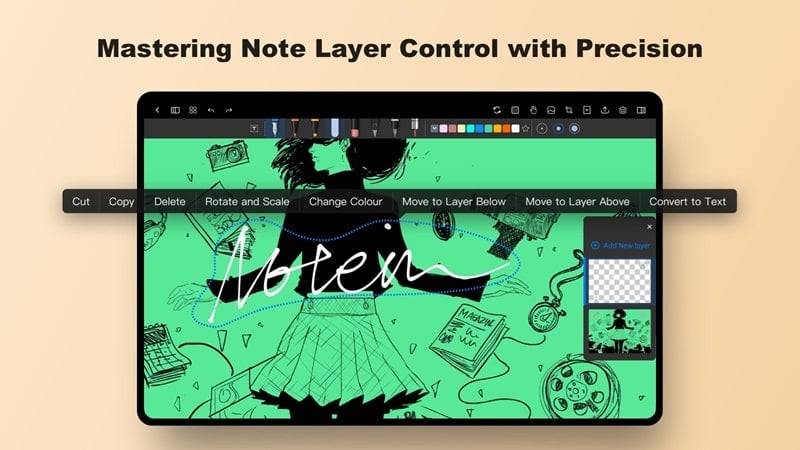
- Handwriting Functionality: Effortlessly jot down notes using a stylus.
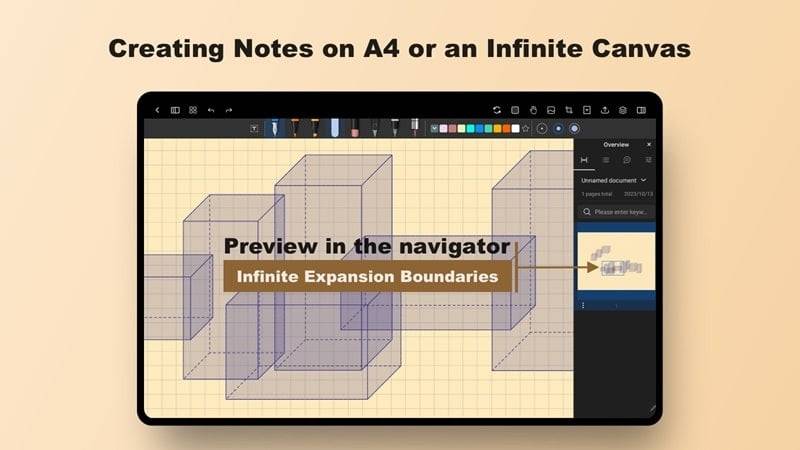
- Customizable Note-Taking Canvas: Enjoy a spacious digital workspace to record information, create supplementary boxes for details, and seamlessly integrate websites or translations.
- Design Tools: Design buildings, objects, and presentations with precision using shapes, calculations, and graphic design features.
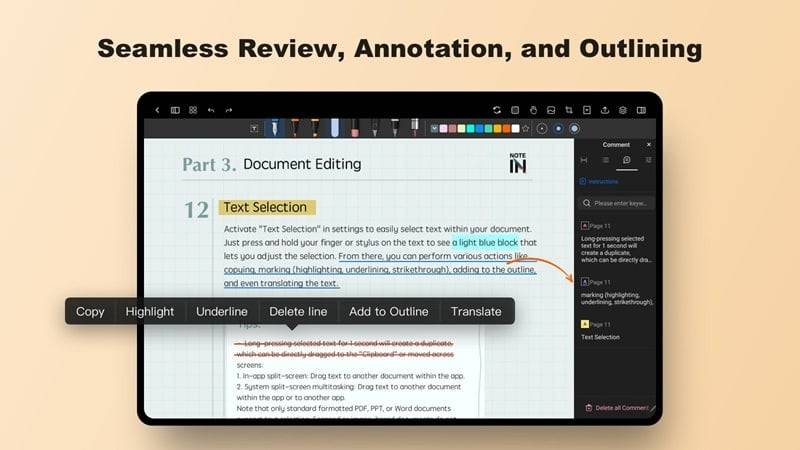
- Flexible Editing Capabilities: Easily adjust pen styles, colors, font sizes, and input methods to personalize your notes.
Tips for Maximizing NoteIn's Potential:
- Leverage the handwriting feature for rapid data entry and a more personal touch.
- Utilize the customizable workspace to efficiently organize information and streamline project completion.
- Explore the design tools to unlock your creative potential in designing buildings, objects, and presentations.
- Take advantage of the flexible editing options to tailor your notes, drawings, and compositions to your preferences.
Conclusion:
NoteIn stands out as a versatile note-taking application offering a comprehensive suite of features to elevate your productivity and creative expression. From its intuitive handwriting capabilities to its customizable note-taking spaces and powerful design tools, this app provides a holistic platform for organizing information, completing projects, and conveying ideas visually. Its flexible editing options and user-friendly interface make NoteIn an invaluable tool for a wide range of tasks, from classroom note-taking to the creation of sophisticated digital compositions.