






Media Studio

 |
Latest Version | 18.28.006-arm64-v8a |
 |
Update | May,01/2025 |
 |
Developer | Kaushal Kumar Agrawal |
 |
OS | Android 5.1 or later |
 |
Category | Tools |
 |
Size | 22.80M |
| Tags: | Tools |
-
Latest Version
18.28.006-arm64-v8a
-
Update
May,01/2025
-
Developer
Kaushal Kumar Agrawal
-
OS
Android 5.1 or later
-
Category
Tools
-
Size
22.80M


 Download(18.28.006-arm64-v8a)
Features of Media Studio:
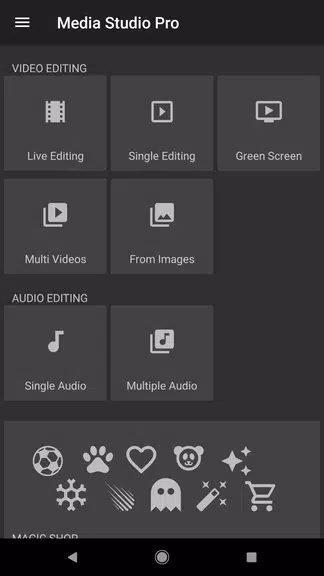
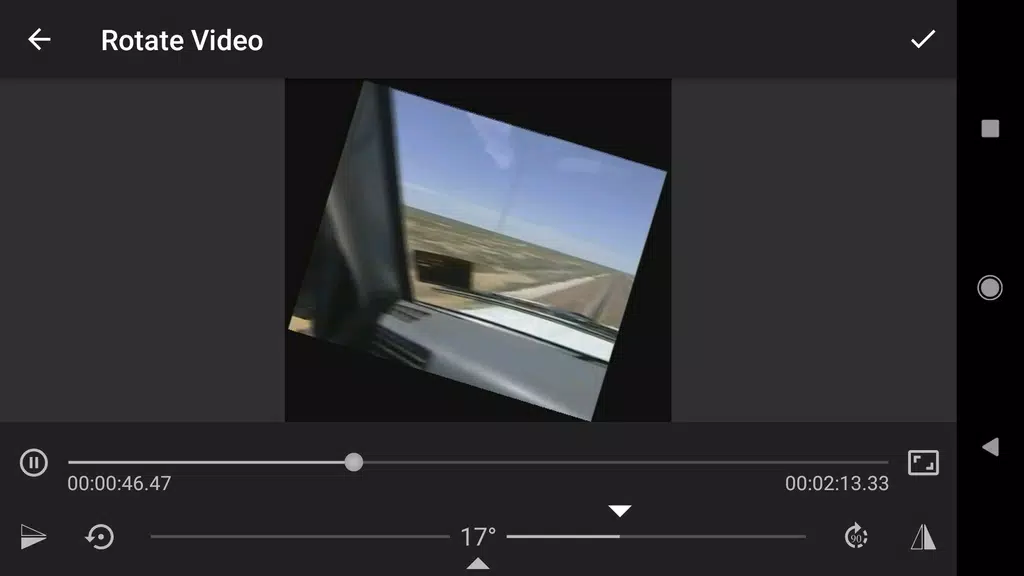
⭐ Professional Editing Tools: Media Studio is packed with advanced editing options for both audio and video, making it the preferred choice for filmmakers and musicians aiming to refine their creative output to perfection.
⭐ High-Quality Output: With the capability to handle full 4K resolution and a bitrate of up to 30,000 kbps, your projects are guaranteed to maintain their high-definition quality upon completion.
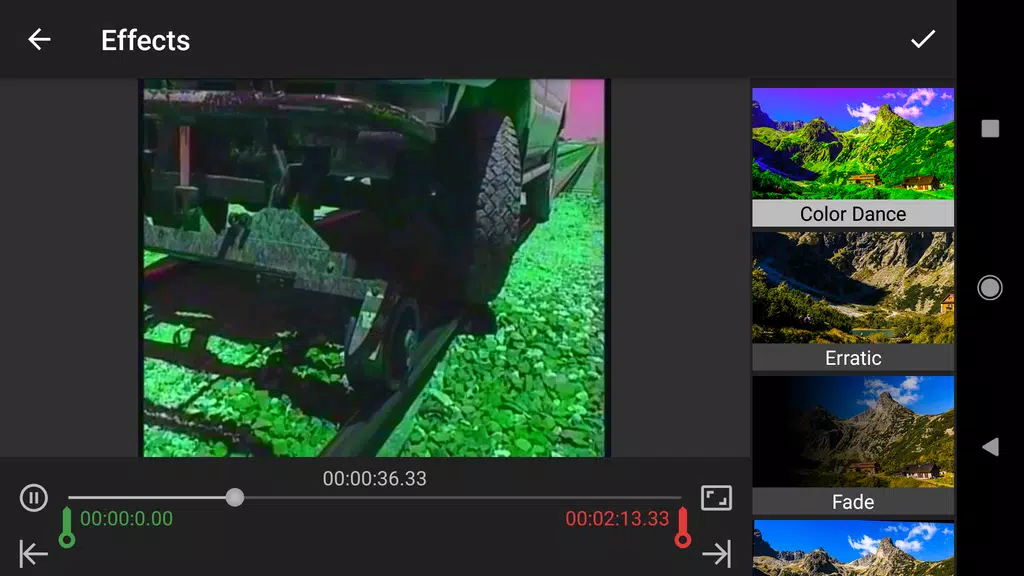
⭐ Unique Editing Options: Beyond the standard editing features, Media Studio offers innovative tools such as Green Screen functionality, a GIF creator, and Color Dance effects, allowing for unparalleled creative customization.
⭐ Convenient Portability: With Media Studio, you have the power of a full editing suite right in your pocket, enabling you to work on your projects anytime, anywhere, without the need for an internet connection.
FAQs:
⭐ Can I export my videos without a watermark?
- Absolutely, Media Studio ensures that your exported videos are free from any watermarks, preserving the professional look of your content.
⭐ Are there limitations on the length of videos I can export?
- No limitations here! You can export videos of any length using Media Studio, giving you the freedom to create without constraints.
⭐ Is the free version of Media Studio fully functional?
- The free version allows you to apply one effect at a time to your videos. For a more robust editing experience, you can upgrade to the pro version, which unlocks additional features.
Conclusion:
Media Studio is an essential tool for filmmakers and musicians seeking to elevate their content to new heights. With its suite of professional editing tools, high-quality output capabilities, unique editing options, and the convenience of portability, this app is a game-changer. Download Media Studio today to unleash your creativity and produce stunning audio and video projects on-the-go.
Latest Update:
- Added GIF creator, allowing you to convert videos to GIFs seamlessly.
- Introduced a subscription model for enhanced access to features.
- Added support for subtitles in the player, including multiple tracks.
- Enhanced audio track support in the player.
- Introduced over 140 color filters in the "Live Editing -> Filters" section.
- Added "Copy Area" and "Swap Area" functionalities in the "Live Editing -> Box Overlays".
- Minor UI adjustments for improved user experience.
- Fixed several bugs, including issues with Green Screen editing.